The future of documentation begins with old forms
Why paper, offline capability and long-established processes are not side issues
Innovation in companies almost never happens on a greenfield site. Good software has to be able to work with the reality that already exists.
The future of documentation rarely begins with an empty database. Most of the time it begins with a binder.
Inside it are forms that have been in use for years. Some were originally designed to be printed, later sent around as PDFs, and at some point extended with digital input fields. Some contain handwritten notes, company stamps or checkboxes whose meaning every experienced employee knows, even though it is written down nowhere.
People talking about AI-powered enterprise software tend to skip over this world. In presentations, transformation starts on a greenfield: data is structured, processes are standardised, interfaces are in place. Reality is messier — and that is precisely what makes it more interesting.
A new solution can only change something if it can be put to use before the existing setup has been completely dismantled.
Paper is not the opposite of digitalisation
Paper forms are often seen as a sign of a backward process. That is too simplistic. Many of these forms contain expertise condensed over years. Their fields, sequences and notes reflect real inspection procedures. Not everything about them is good. But neither is everything superfluous.
The decisive question is therefore not: how do we abolish paper as spectacularly as possible? It is: how do we carry over the knowledge contained in it without having to rebuild every template by hand?

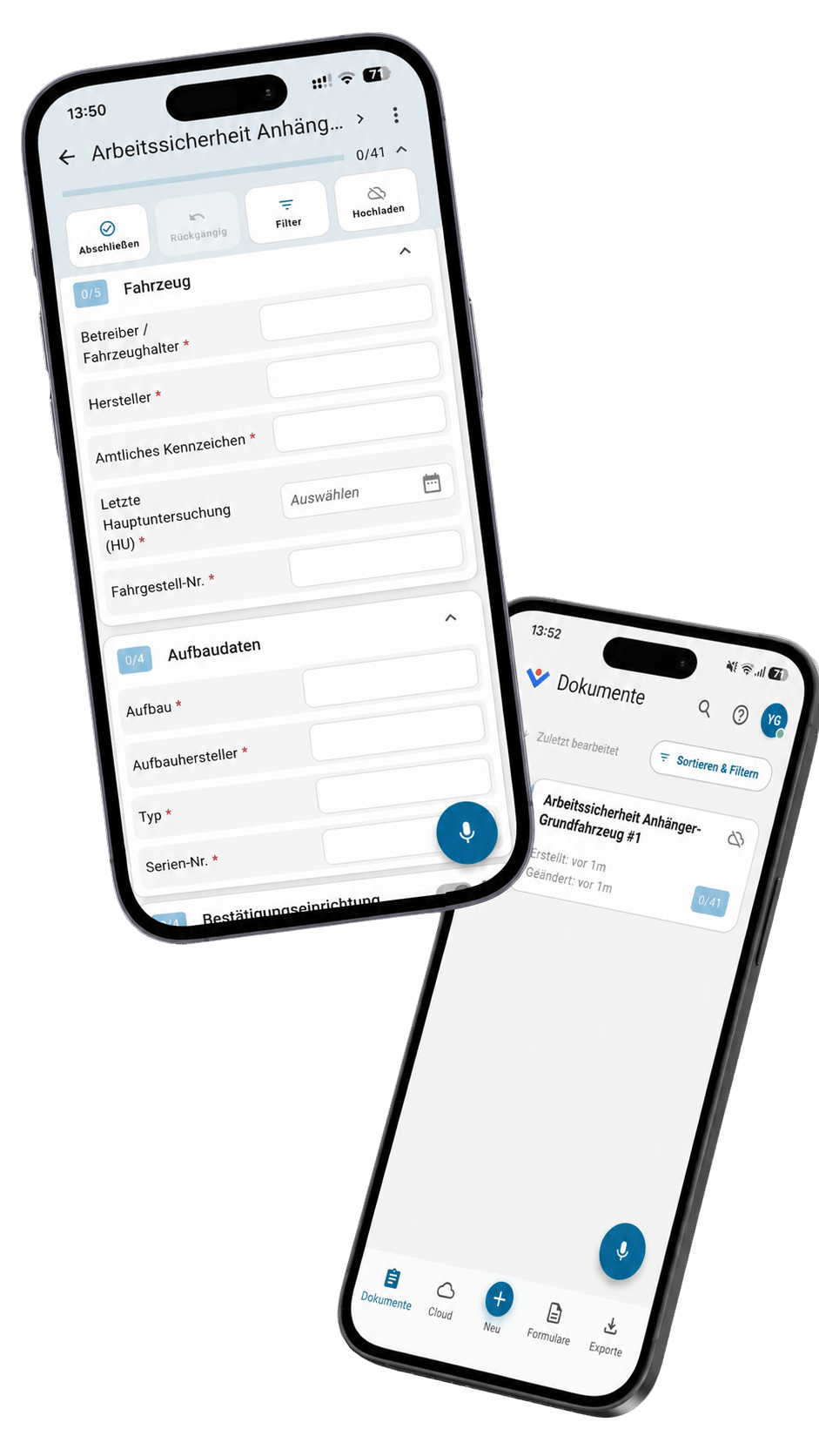
For KENSA, our team developed a component that turns the scan of a paper form into a digital starting version. The system recognises the structure of the form, so that you can then edit it.
I deliberately say starting version. This conversion is valuable because it shortens the tedious steps. But it does not replace every professional decision. A checkbox can look unambiguous and yet, in process terms, mean something different from what a model assumes. Sometimes a field should be dropped entirely in future; sometimes it needs a validation rule that was never visible on paper.
It is precisely this mix of automation and manual refinement that is often more useful in enterprise projects than the promise of a magical, fully automatic conversion.
For KENSA, our team developed a component that turns the scan of a paper form into a digital starting version. The system recognises the structure of the form, so that you can then edit it.
I deliberately say starting version. This conversion is valuable because it shortens the tedious steps. But it does not replace every professional decision. A checkbox can look unambiguous and yet, in process terms, mean something different from what a model assumes. Sometimes a field should be dropped entirely in future; sometimes it needs a validation rule that was never visible on paper.
It is precisely this mix of automation and manual refinement that is often more useful in enterprise projects than the promise of a magical, fully automatic conversion.
An editor is not a sideshow
After automatic recognition comes the work that is underestimated in many digitalisation projects: a form has to be adapted to the actual process. Fields are moved, grouped or renamed. Dependencies have to be defined, mandatory entries specified and notes added.
That is why KENSA includes a full form editor. It can be used to refine converted templates, but also to design new forms from scratch. For us this was not merely an administration tool that only had to look reasonably functional. The editor was meant to offer complex possibilities without itself becoming the kind of rigid enterprise software we criticise elsewhere.
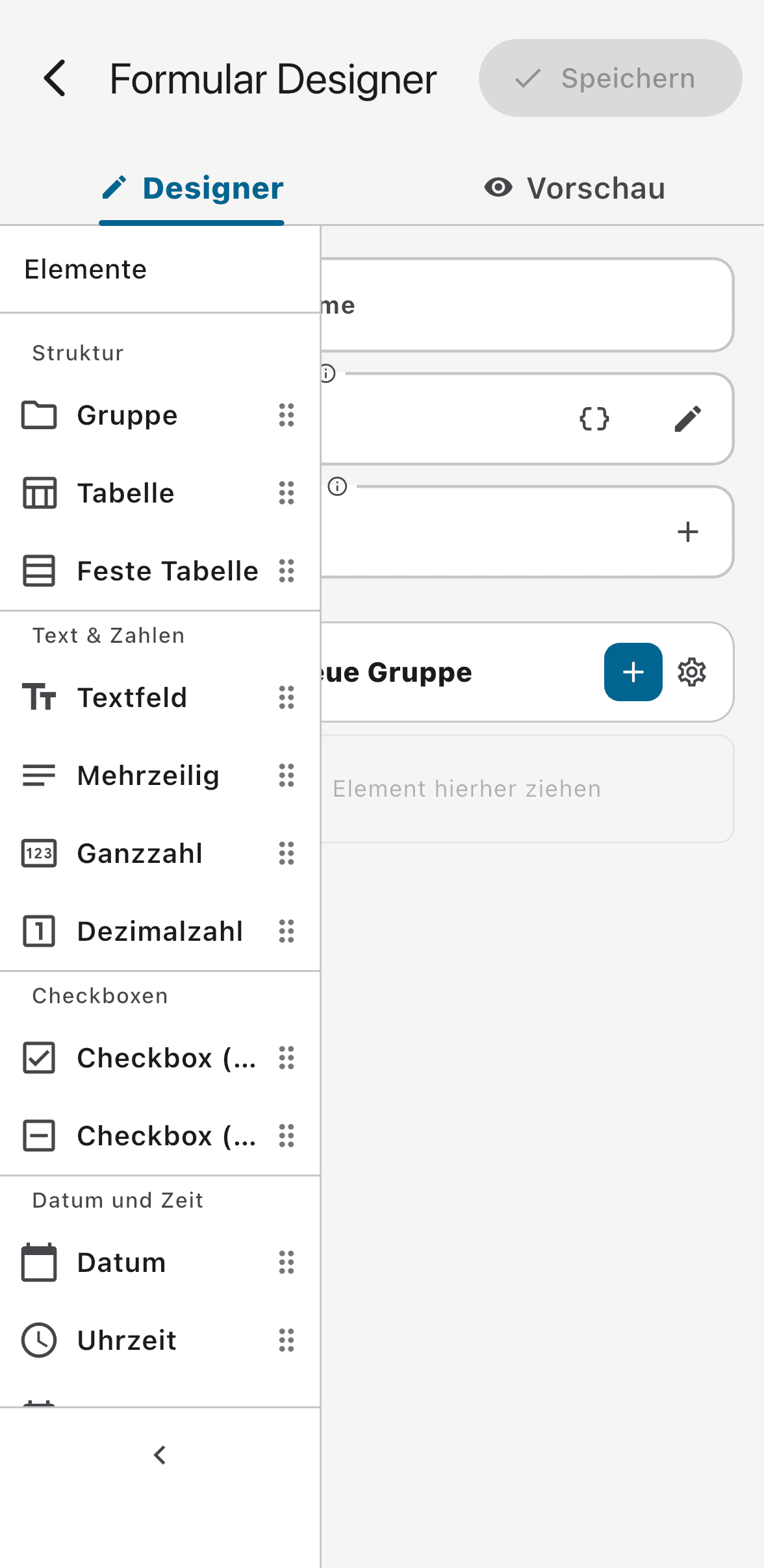
This part is less spectacular than automatic recognition, but in day-to-day use at least as important. A subject-matter owner can adapt a template themselves, without having to launch a separate development project for every change.
Good tools do not shift responsibility at random; they place it where it belongs. IT provides rules and integrations. Departments can shape things where their process knowledge is decisive.
A form is not yet a work order
Even the best digital form remains useless if no one knows who should work on it, and when. Documentation is almost always part of a larger workflow: an inspection is planned, assigned to a person, prepared with known data, completed on site and then fed back.
For that reason, forms and specific tasks can be distributed to employees via a server. Existing information can be filled in beforehand. The inspector does not start from zero, but is given the context the company already knows: object, location, order, appointment, or master data already on record.
On paper this is a given. In many projects, however, the processes fall apart at exactly these transitions. A form is filled in electronically, but then sent on by email. Data exists and is nevertheless re-typed on site. The interface is more modern; the workflow behind it barely is.
Only when provision, processing and return are thought of together does a digital workflow emerge instead of a digital document.
The cloud is not the inspector’s workplace
The difference between demo and everyday reality becomes especially clear with the internet connection. Inspectors work in factory halls, plant rooms, basements, on construction sites or at remote facilities. There, a stable connection is no reliable basis for the work process.
A mobile application that cannot work without a network is not really mobile.
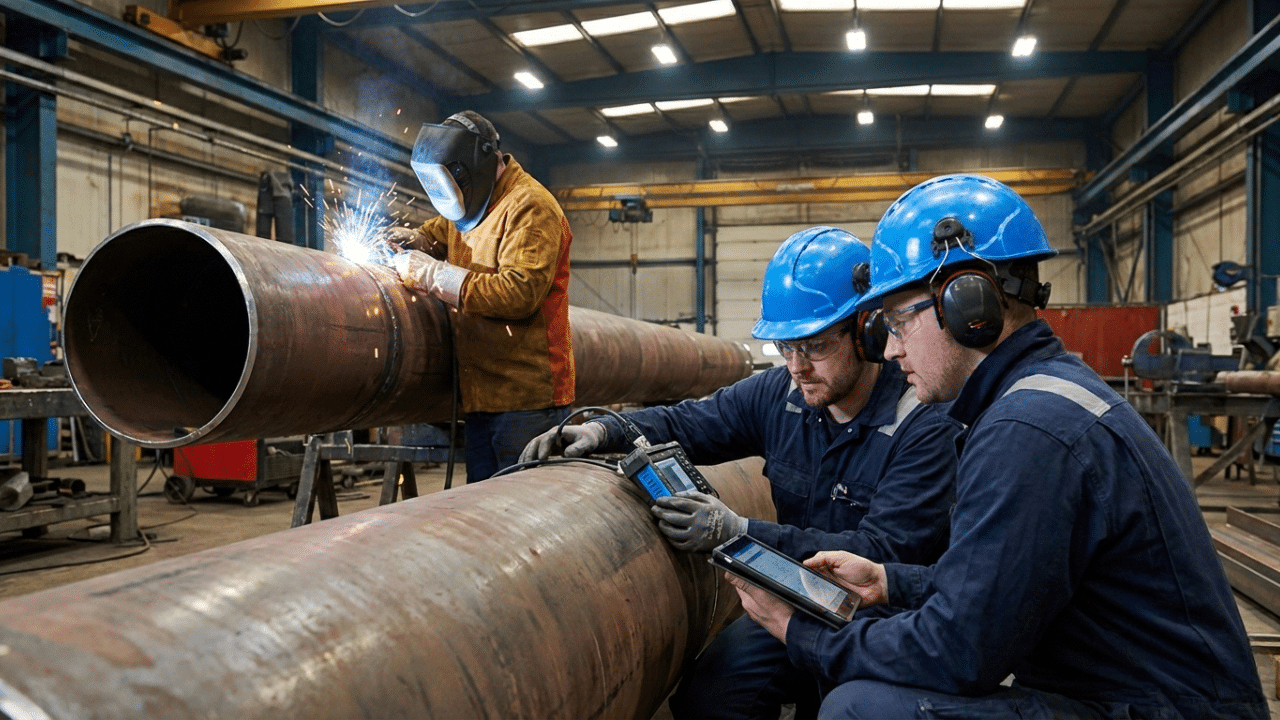

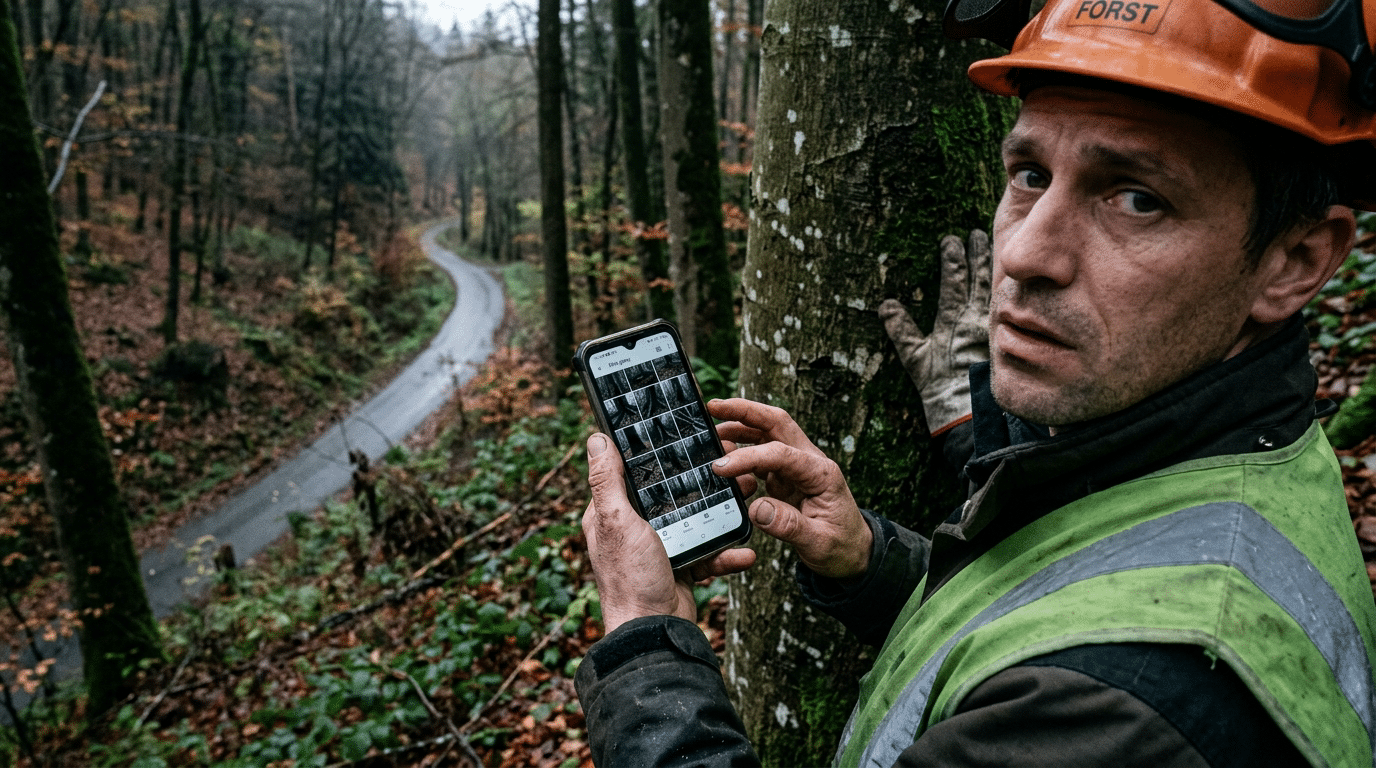
At KENSA, the functions that inspectors and users need for their actual work are therefore usable offline as a matter of principle. Tasks and forms are provided while a connection exists. On site they can be worked on even without a network. Synchronisation takes place as soon as a connection is available again.
This architecture is less glamorous than a fully cloud-centred AI demo. It requires local data storage, clear synchronisation rules and careful handling of conflicts. What happens when a form has been changed on the server while an older version is being edited offline? Which data has to be encrypted on the device? How does the user know whether their order has already been transmitted in full?
These are not marginal questions. They determine whether an application earns trust under real conditions.
Research on voice interfaces in manufacturing logistics likewise cites the context of use as a key factor. Noise, mobility, hands-free scenarios, acceptance and technical infrastructure together determine whether a voice solution genuinely helps in everyday work. A good recognition rate in the lab is not enough if the application is not available at the point of use.
Offline capability sets limits — and that is healthy
Not every function can sensibly run entirely on the end device. Server-based distribution, central administration or compute-intensive services need a connection at least temporarily. Automatic text enhancement by large language models also depends on the chosen architecture and the available local models.
An honest separation is therefore important: what must the user be able to do on site at any time? Which functions may be synchronised later? Where is a connection unavoidable?
For an inspector’s work, the answer is relatively clear. They have to be able to open their order, see existing entries, record observations, add photos or further information, and save the process reliably. No dead zone should force them to break off their work or additionally keep notes on paper.
Offline capability is thus not a technical checkbox on a feature list. It is a decision about whose working reality the architecture takes seriously.
Design is part of reliability
When an application combines many technical capabilities, an overloaded interface can easily result. Form fields, voice input, recognised intentions, photos, task status and synchronisation all compete for attention.
Our team therefore invested a lot of work in the design of the KENSA app. The interface is not meant to show how complex the system is in the background. It is meant to make the next sensible step clear to the user at any given moment.
This is not just about aesthetics. Clear visual feedback prevents errors: the user must be able to tell whether a recording is running, which entries have been taken over, whether an order has so far only been saved locally, and which points are still missing. With automatic structuring in particular, the system must not quietly fake a perfect report in the background.

Research on voice-based professional reporting systems describes a large number of such design decisions: how does a recording begin and end? How are corrections made? When is a follow-up question helpful, when is it disruptive? How do you combine speech with visual information? The quality of a solution therefore does not arise in the AI component alone, but just as much in the seemingly small interaction details.
Innovation also means building transitions
Scan conversion, form editor, central task distribution, offline operation and a carefully designed app initially look like very different functions. Yet they answer the same question: how does a company get from its current documentation world to a better one, without ignoring ongoing operations?
SCAN
The scan takes over existing templates.
EDITOR
The editor makes them editable.
SERVER COMPONENT
The server component links forms with specific orders.
OFFLINE CAPABILITY
Offline capability brings the process to the actual place of work.
INTERFACE
The interface ensures that this complexity does not land on the inspector.
SCAN
The scan takes over existing templates.
EDITOR
The editor makes them editable.
SERVER COMPONENT
The server component links forms with specific orders.
OFFLINE CAPABILITY
Offline capability brings the process to the actual place of work.
INTERFACE
The interface ensures that this complexity does not land on the inspector.
Only on this foundation can the voice interface unfold its potential. It is of little help to understand natural language perfectly if the matching form is not available, known data is missing, or the result later has to be transferred manually into another process.
A sober lesson from developing enterprise software is therefore this: the single most spectacular feature is rarely enough. In everyday use, what counts is whether the transitions work.
The future has to be compatible with the present
The vision of a largely invisible form remains appealing. The user describes a situation, the system structures the entries and shows only what needs to be added or confirmed.
But the path there does not lead around existing forms. It leads through them. Companies need ways to take over paper and PDFs, to develop their processes further themselves, to distribute tasks reliably, and to work even where no cloud is reachable.
That is less radical than declaring all legacy systems obsolete. In practice it is probably more radical: because it actually changes the working day, instead of merely describing an architecture of the future.
Good innovation does not demand that reality disappear first. It begins by taking reality seriously.
Practical impulse from KENBUN
Automate processes — not responsibility.
From our experience with AI and automation projects, one simple rule of thumb has proven itself: anything that follows clear rules, processes data or prepares drafts can often be handled by AI faster and more reliably than we humans can.
Where decisions have far-reaching consequences, however, or call for deliberate judgement, experience and responsibility, the human should make the final decision.
It is precisely at this interface between efficiency and judgement that sustainable digitalisation solutions arise.
Would you like to find out where this line runs in your own processes? Then we look forward to talking with you.